

Quick Tips
Short videos covering the editor moves that save the most time.
Nine short videos, each one covering a single move in the editor. No long intros, no setup. Watch the one you need and get back to the album.
Every tip links to the written page underneath it, so you can read the detail later if you want it.
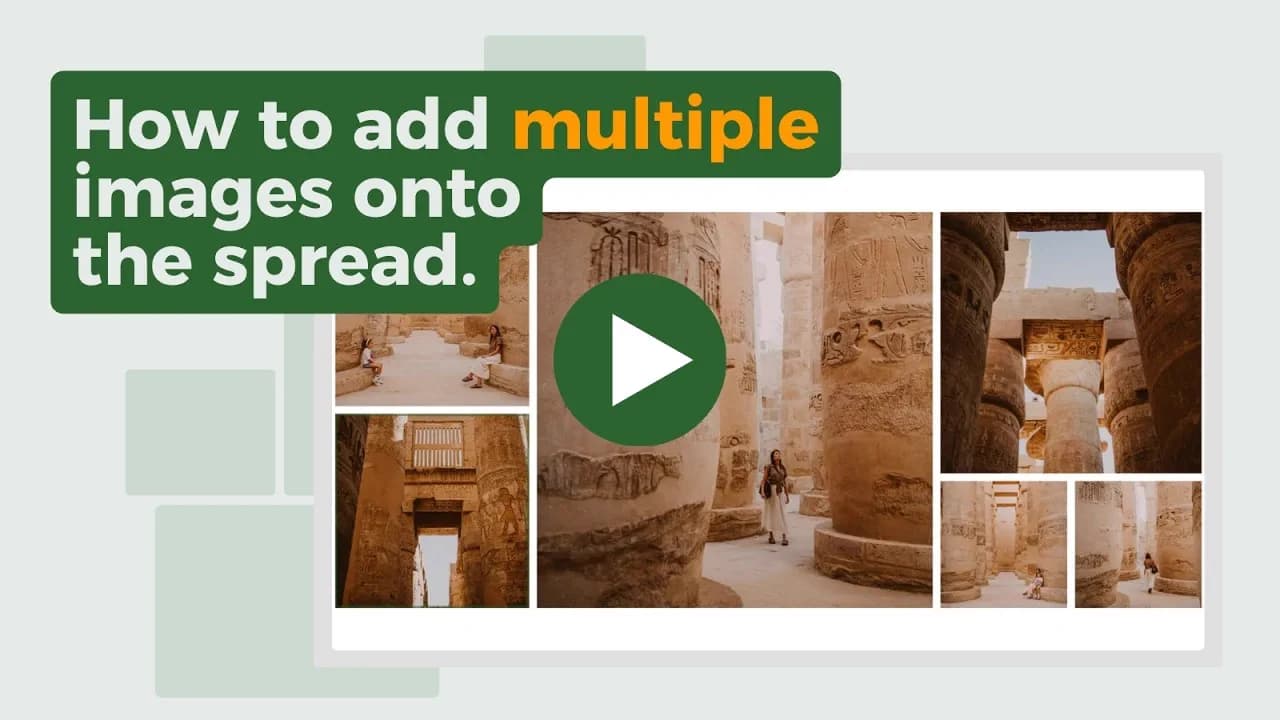 Add Multiple Images to a SpreadDrop a whole selection at once and let Spreadu build the layout
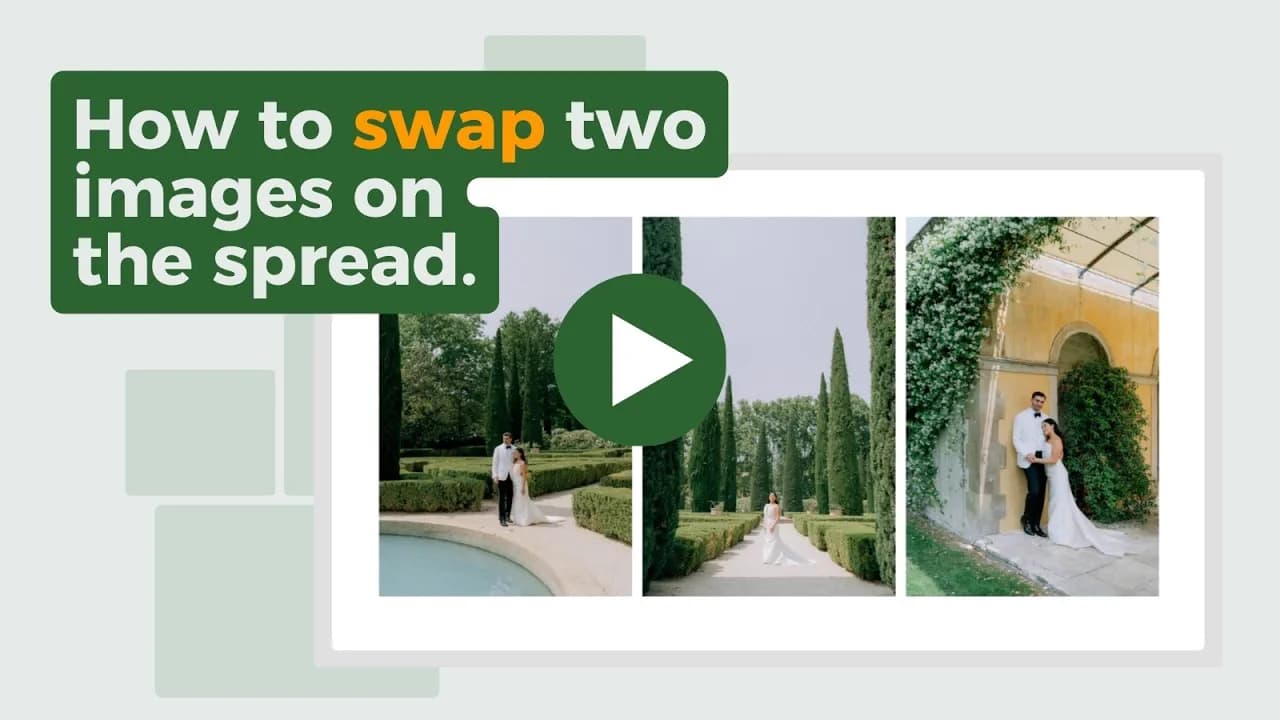 Swap Two Images on a SpreadTrade two photos without rebuilding anything around them
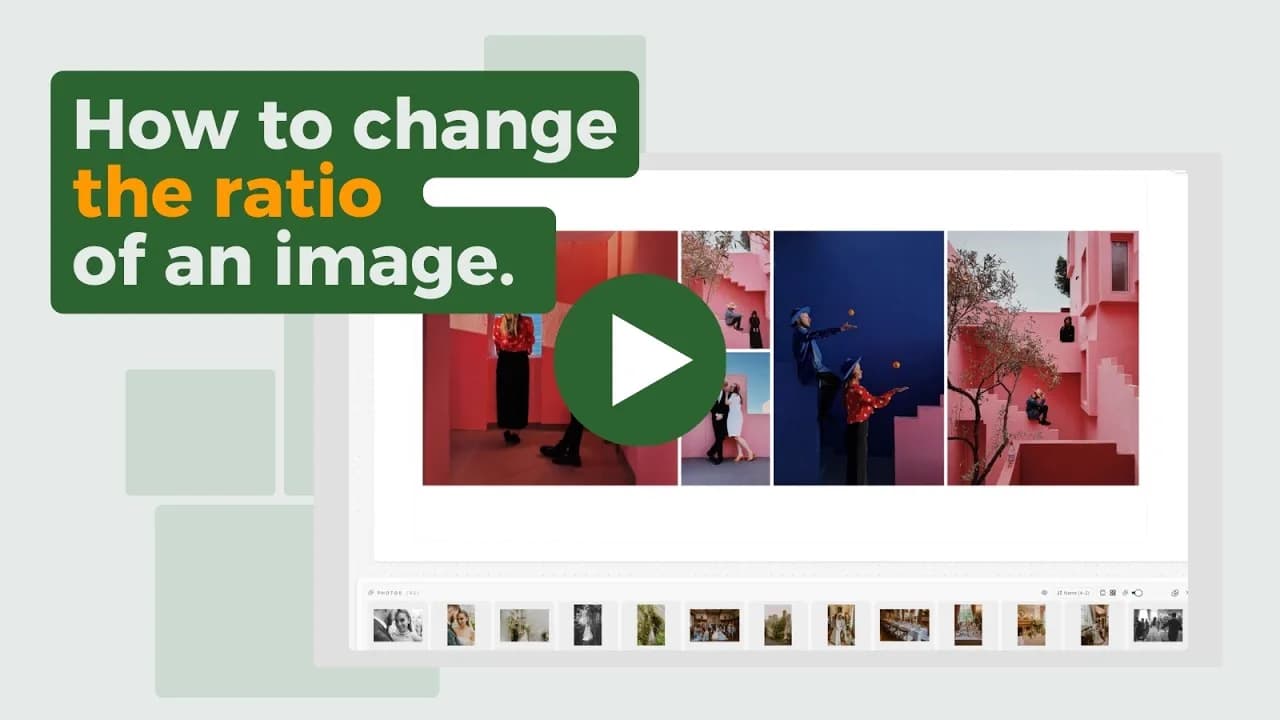 Change the Ratio of an ImageRecrop a placed photo and keep the frame you wanted
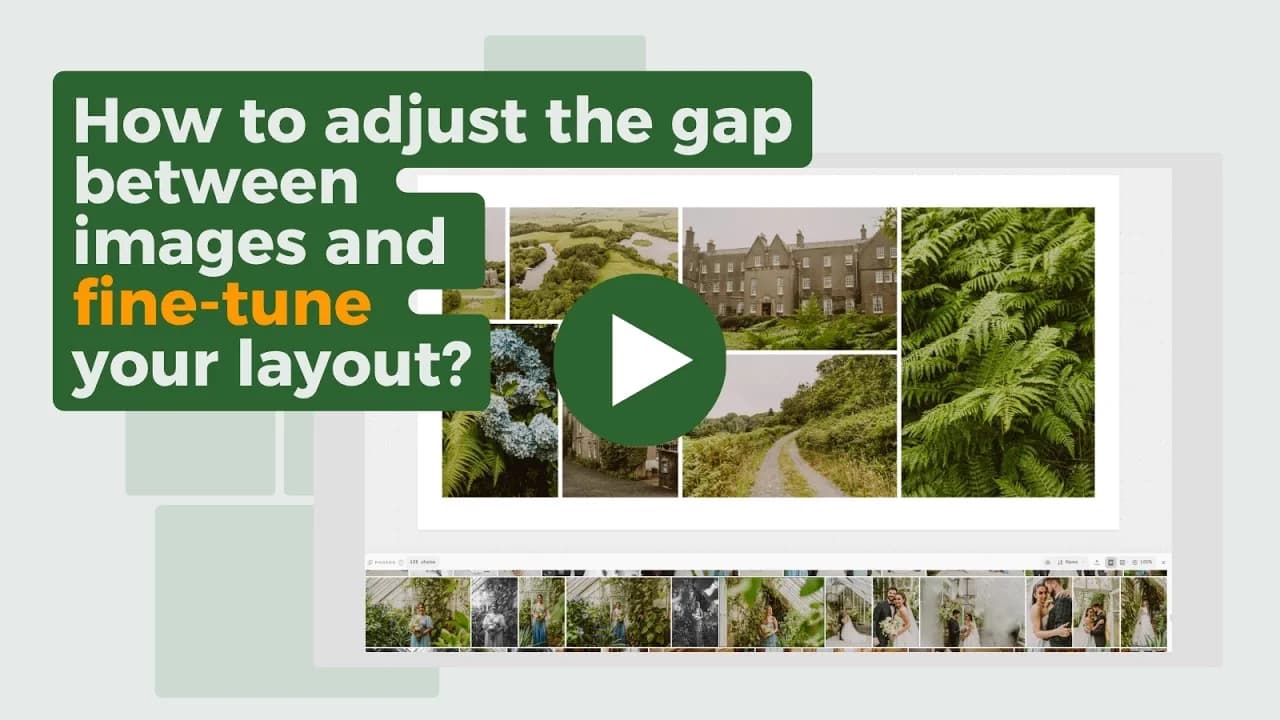 Adjust Image GapsGap, scale, and alignment in one pass through the Layout sidebar
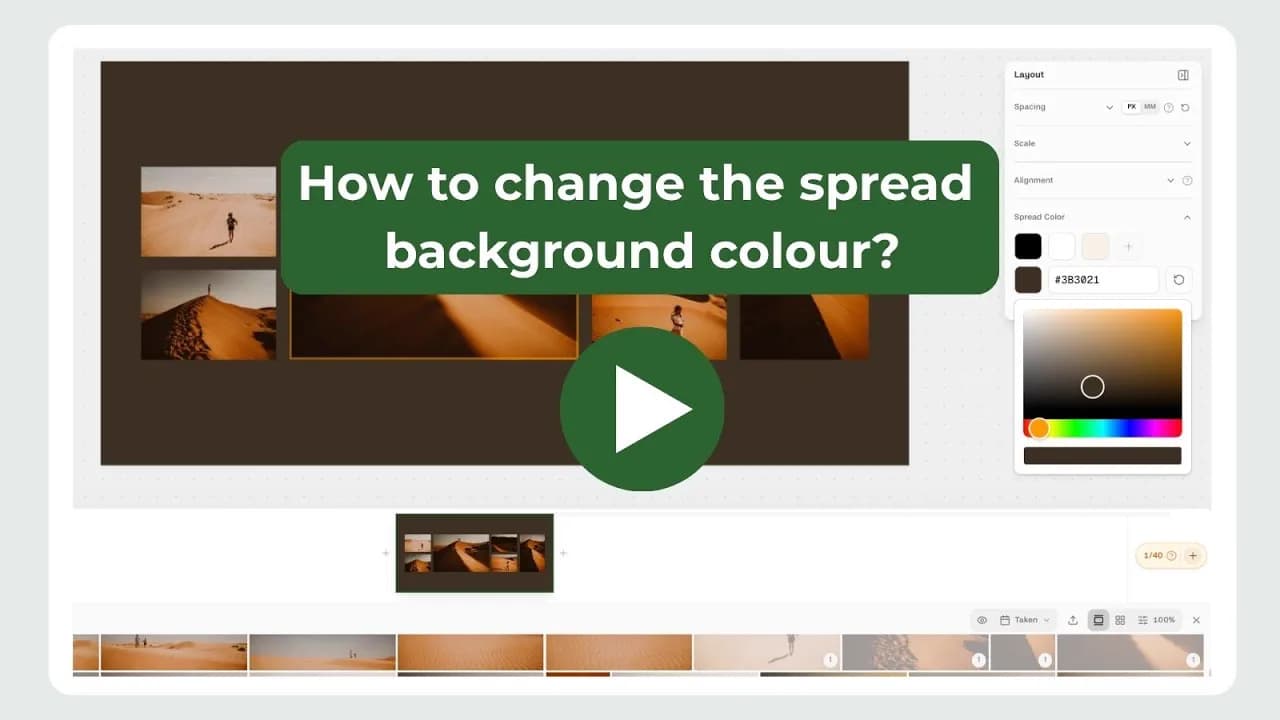 Change Spread Background ColorsMove a spread off plain white when the photos ask for it
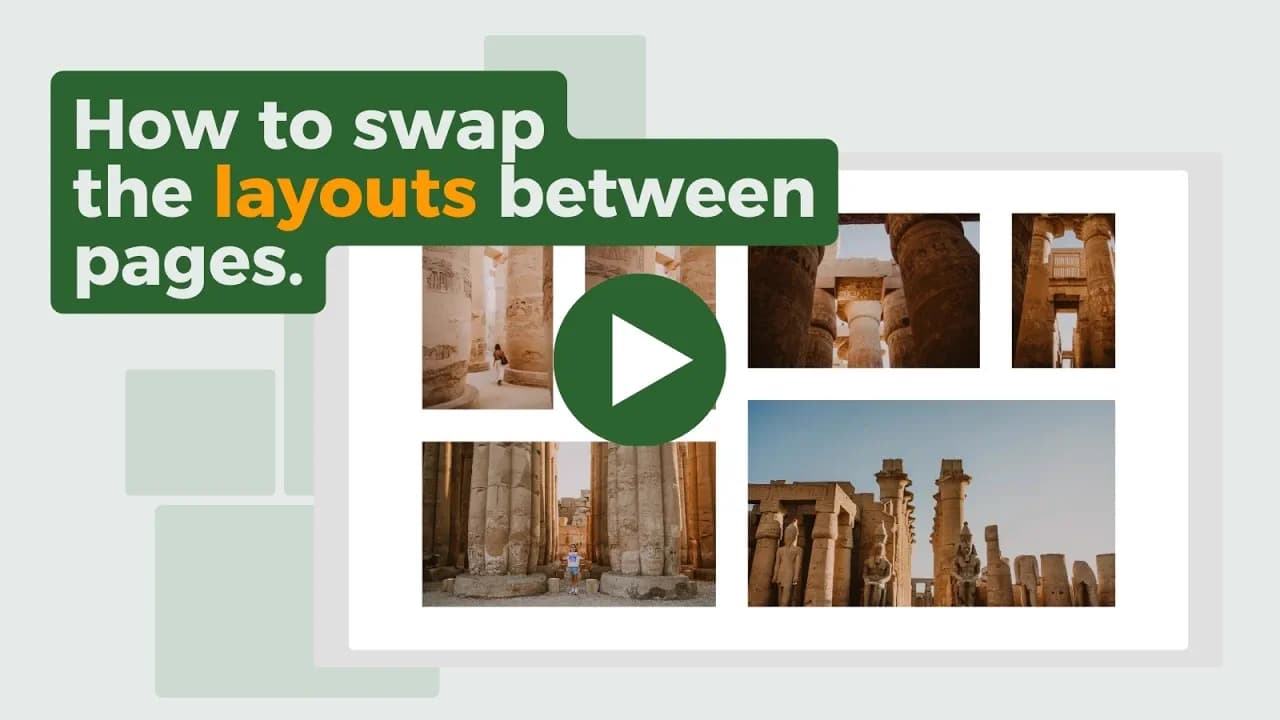 Swap the Left and Right PagesMirror a spread across the spine in one move
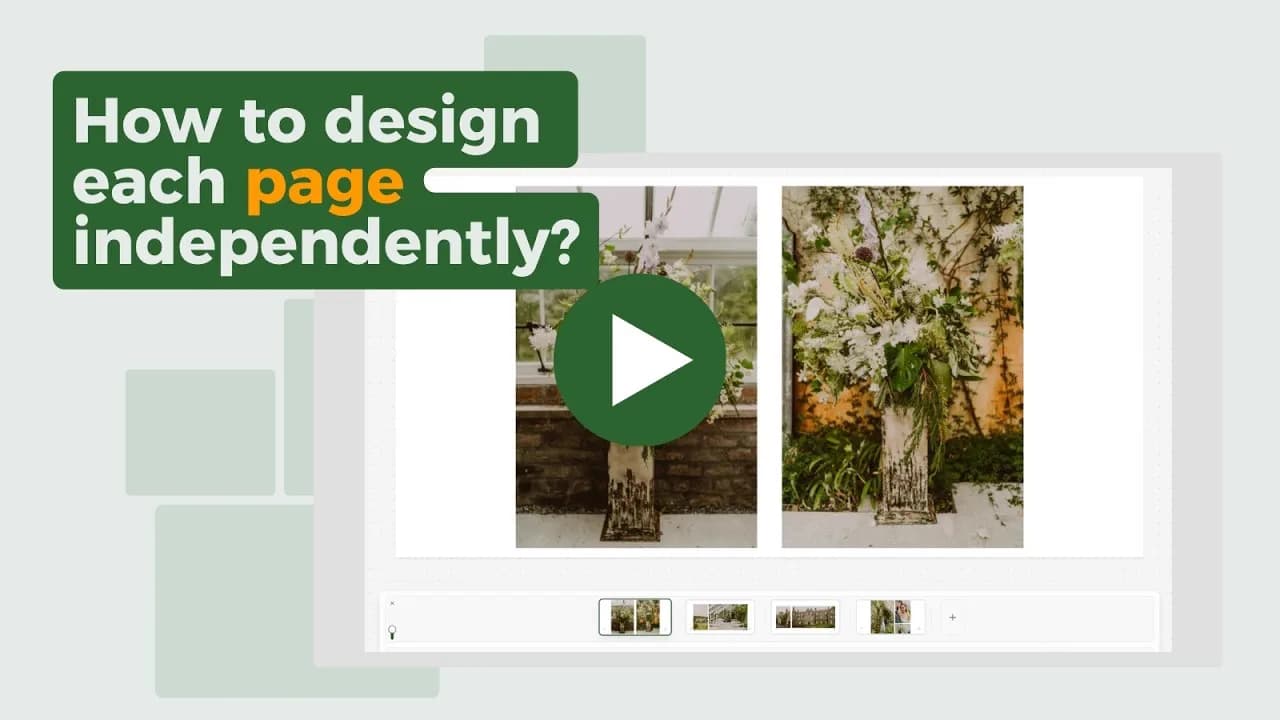 Design Each Page IndependentlyPer Page mode for albums that are not lay-flat
 Use Scenes to Design FasterCut a big gallery down to the photos you actually need right now
 Export Album SpreadsFrom finished design to files on your computer